
Table of Contents
Before publishing my first post on my blog, one of the biggest decisions challenge I faced was: Which WordPress theme should I use?
Choosing the right theme can set the tone for our blog, impact our site’s speed, SEO, and overall user experience — and even influence how seriously readers take us.
So, I want to share how I chose a theme to start my new blog. But before heading to the theme store to search for one, some important questions might come to mind. Let’s take a look at those questions:
- What is a WordPress theme?
- What features should I look for?
- Should I choose a free or paid WordPress theme?
- What are the best beginner-friendly WordPress themes in 2025?
Let’s dive into the answers to each of these questions to help you make an informed and confident decision.
What a WordPress theme is
A WordPress theme is the foundation that controls the design, layout, and overall presentation of your blog. Think of it as the clothes your website wears — it determines how your blog appears to visitors, including the colors, fonts, menus, and the placement of your posts.
There are thousands of themes available, but not all of them are ideal — especially for beginners. Why not? Because a good theme is not just about a beautiful design or modern layout. A truly great theme is:
- Well-structured
- Fast-loading
- SEO-friendly
- Easy to customize
These qualities ensure our site not only looks good but also performs well and grows with our blog.
Now let’s find the next question answer.
What to Look For in a WordPress Theme (in 2025 Edition)
Earlier, I mentioned some important qualities every good theme should have. Now let’s take a closer look at each of them and understand why they matter — especially for beginners.
Beginner-Friendly Design
As beginners, we should avoid picking any random fancy or popular theme. It might look good, but it can be difficult to customize — especially if you don’t know how to code.
Look for themes that offer drag-and-drop builders or easy customization options. These make it much simpler to design your blog just the way you want.
There are many drag-and-drop builders out there (like Elementor,
Beaver Builder, etc.), but that’s a topic for another day.
Fast Loading Times
We write blogs so that people can read our stories. But if it takes 1–5 minutes for your content to appear, will anyone stick around to read it? Probably not.
A slow-loading theme can drive visitors away before they even see your content.
So, choose a theme that is lightweight and optimized for speed. Of course, you should also avoid using large, unoptimized images — even the fastest theme can’t help if your media slows things down.
Mobile Responsiveness
In 2025, more than 60% of web traffic comes from mobile phones and tablets. That’s a huge audience you don’t want to ignore.
Your theme must look great on all screen sizes — from desktops to smartphones. So, make sure you pick a mobile-responsive theme that adapts seamlessly across devices and maintains a consistent design.
SEO Optimization
If we want people to read our ideas, opinions, and stories, we need to reach as many readers as possible. But this won’t happen automatically.
That’s where Search Engine Optimization (SEO) comes in — helping search engines like Google discover your blog and suggest it to people who are looking for similar content.
Now, you might wonder, “What does SEO have to do with my WordPress theme?”
Well, your WordPress theme includes code and layout structures. If it’s not built with SEO best practices, Google may struggle to read or understand your content properly — which means your blog won’t show up in search results.
Good WordPress themes are SEO-optimized by default, increasing your chances of ranking higher in search engines and attracting organic traffic.
Customizability
Customizability is often the main selling point of a good theme.
WordPress themes are designed to be general-purpose, but every blogger has their own taste, style, and content structure. A default layout may not fit your specific needs.
That’s why it’s important to choose a WordPress theme that allows you to customize everything — not just the colors and fonts, but also layouts, widgets, headers, and more. You should have the freedom to make your blog look exactly the way you want.
If a WordPress theme is too limited in customization, it might hold you back. Choose one that gives you creative freedom.
Compatibility with Plugins
When you install a WordPress theme, it gives you a starting point — but sometimes you need additional features like contact forms, social media sharing, SEO tools, or email signup forms.
That’s where WordPress plugins come in. But here’s the catch: not every theme works well with every plugin.
Before choosing a WordPress theme, think about the plugins you plan to use. Make sure your theme is compatible with popular plugins like Yoast SEO, WPForms, WooCommerce, Elementor, and others.
This way, you’ll be able to expand your blog’s functionality without technical issues.
Final Thought on Choosing a WordPress Theme
Your theme isn’t just about how your blog looks — it’s about how it performs, grows, and connects with your readers. Choose wisely!
Free vs. Paid Themes: Which Should I Choose?
Alright, we’ve now figured out what features to look for in a good theme. But a new question comes up:
Should I choose a free theme or invest in a paid one?
Let’s explore both options.
Free Themes
Free themes are a great starting point, especially if you’re just beginning and want to keep costs low. Many free themes available in the WordPress directory are well-designed, fast, and regularly updated.
However, they often come with limited features, fewer customization options, and no dedicated support. So if you run into an issue or want advanced design flexibility, you might hit a wall.
That said, many free WordPress themes (like Astra, Kadence, and Neve) offer a solid base — and you can always upgrade to their premium versions later as your blog grows.
Paid Themes
- Paid (or premium) themes usually offer:
- More advanced customization options
- Pre-designed starter templates
- Regular updates and performance improvements
- Dedicated customer support
- Extra features like built-in SEO tools or WooCommerce integration
Before you decide on a paid theme, ask yourself:
- Do I really need these extra features right now?
- Will I need support if something goes wrong with the theme?
If the answer to either question is yes, then a premium theme could be a smart investment.
But keep in mind: not all paid themes are perfect. Some are overloaded with unnecessary features and excessive CSS or JavaScript files — which can actually slow down your site. That defeats the whole purpose of having a high-performing blog.
My Recommendation
Start with a high-quality free theme that meets your needs and is performance-optimized. Once your blog grows and you need more features or better support, consider upgrading to the premium version of that same theme — so your site structure stays consistent.
This approach gives you the best of both worlds: a clean, fast blog from the start, and the option to expand later without wasting money upfront.
Top WordPress Themes for Blogging in 2025
Now comes the million-dollar question:
Which WordPress themes actually offer all the features and capabilities we’ve talked about?
To help you out, I’ve done some research, browsed through user reviews, and explored popular choices across the web. Based on that, here are some of the top WordPress themes that bloggers love in 2025:
Astra (Free & Paid)
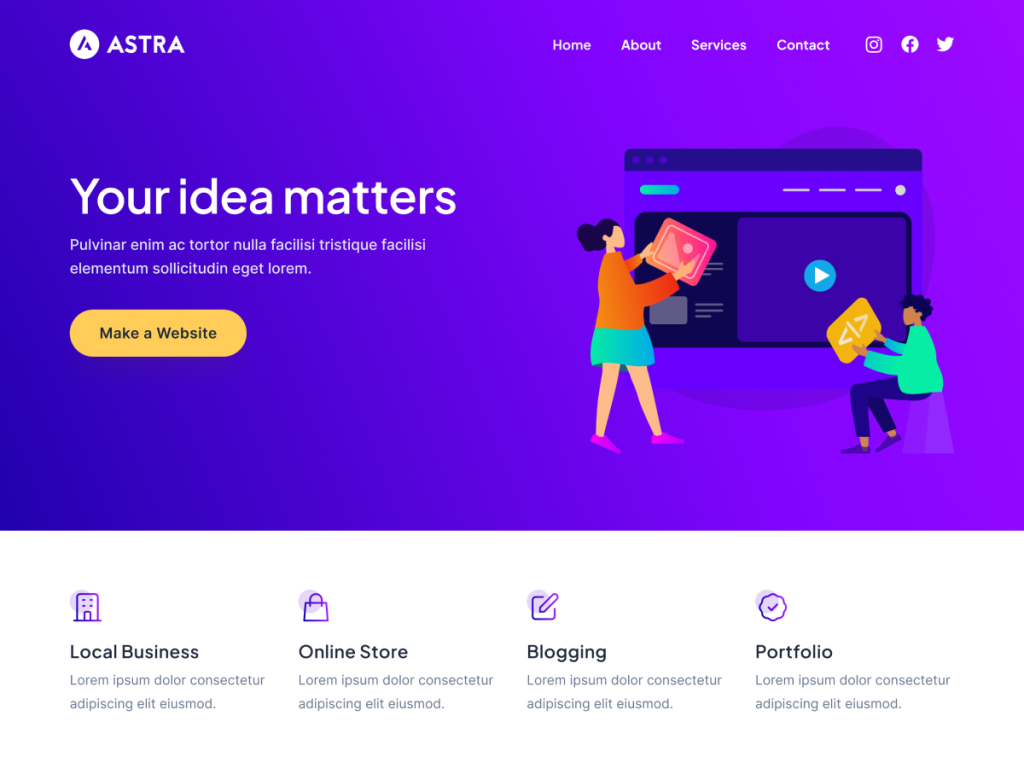
Why it’s great:
- Super fast and lightweight
- Works perfectly with page builders like Elementor and Gutenberg
- Pre-built starter templates for bloggers
Best For: Beginners who want speed and flexibility
Kadence (Free & Paid)
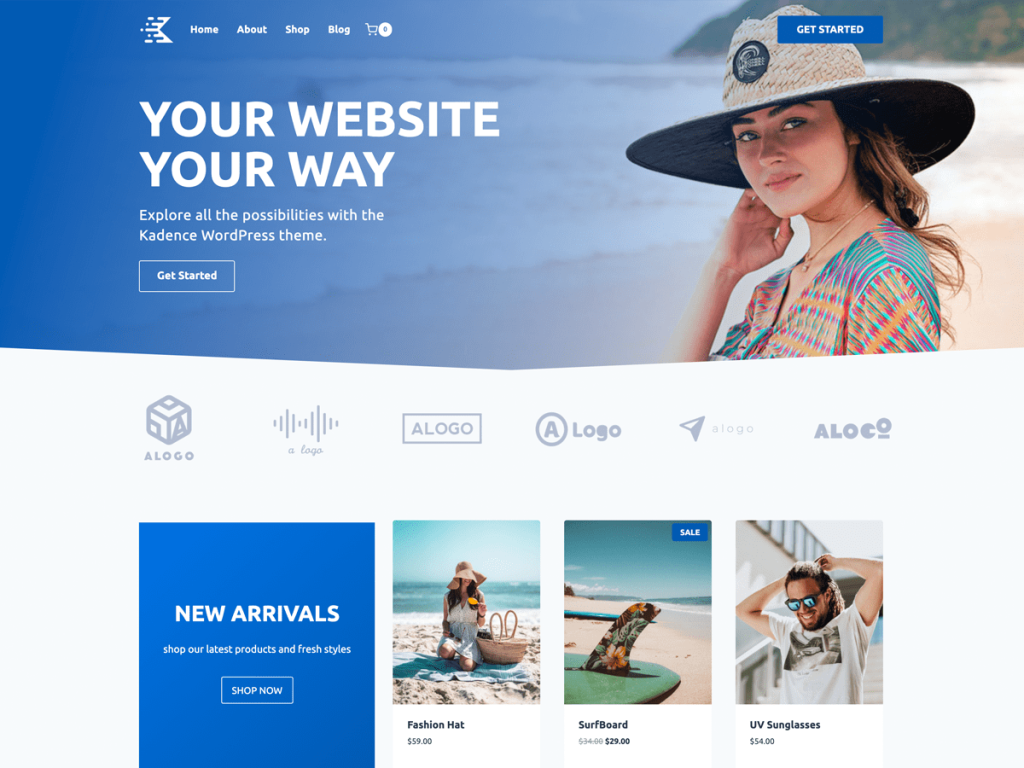
Why It’s Great:
- Modern, clean design
- Drag-and-drop header and footer builder
- SEO and performance optimized
Best For: Bloggers who want professional design without coding
GeneratePress (Free & Paid)
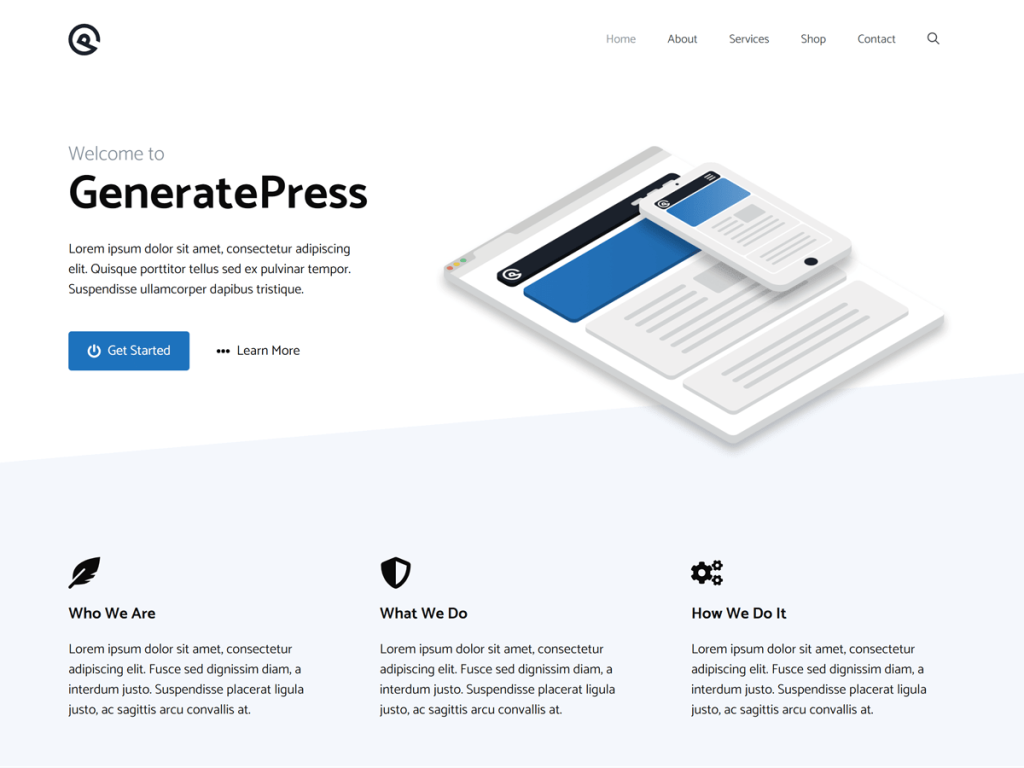
Why It’s Great:
- Extremely fast loading times
- Lightweight (under 10kb)
- Excellent support and documentation
Best For: Bloggers who care about performance and simplicity
Neve (Free & Paid)
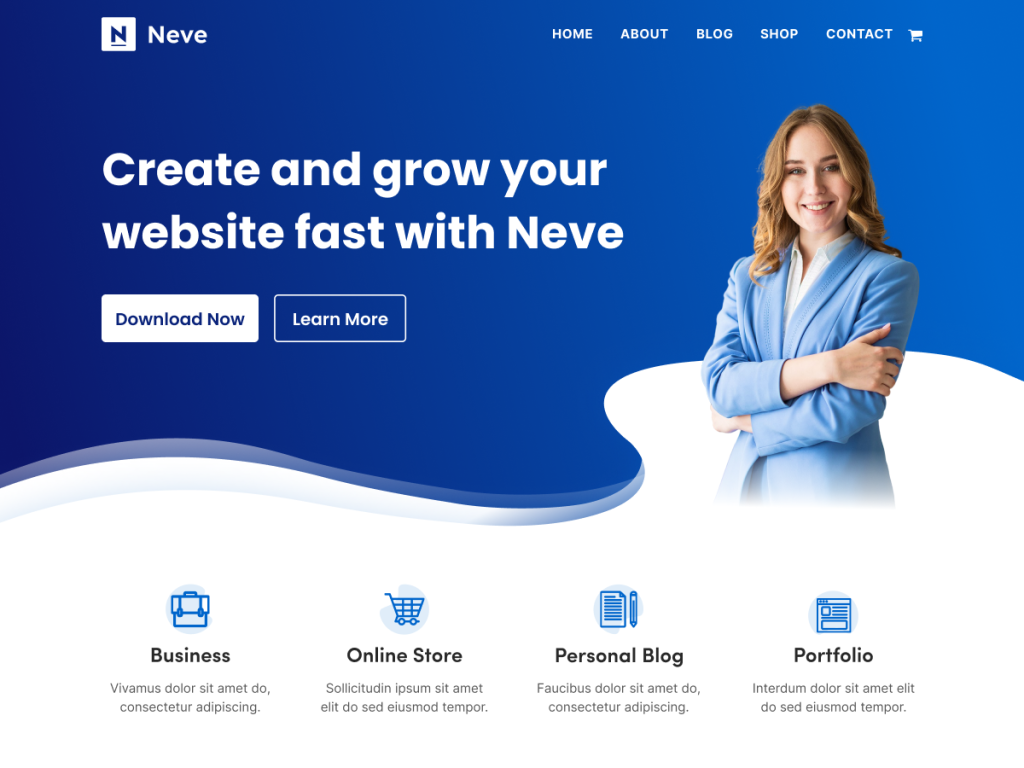
Why It’s Great:
- Fully responsive
- AMP compatible (faster mobile experience)
- WooCommerce-ready (great if you plan to sell)
Best For: Bloggers who want a versatile theme that can grow with them
Blocksy (Free & Paid)
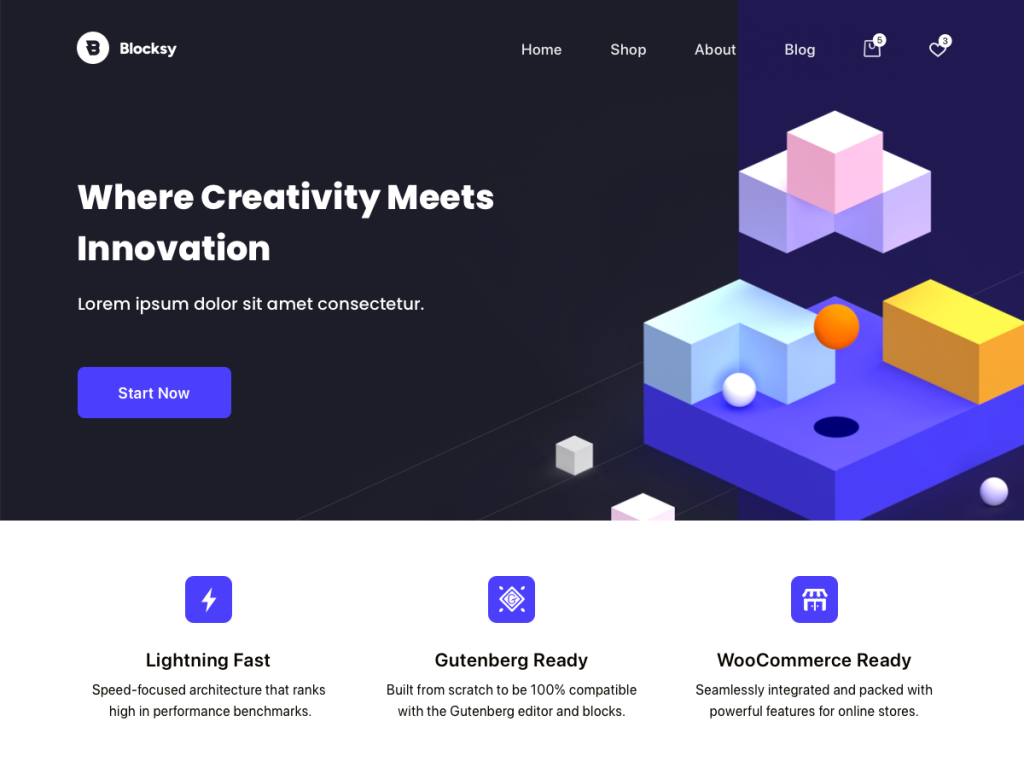
Why It’s Great:
- Built with Gutenberg in mind
- Live preview customization
- Clean design with beautiful blog layouts
Best For: Bloggers who love modern, block-based editing
In the end, I’ve learned that the theme is not the most important part of a blog. What truly matters is the content. Your theme should support your content — not overshadow it.
For presentation, it’s best to choose a theme that is simple, easy to read, and fast to load. There’s no need to overwhelm visitors with too many flashy design features. If your content doesn’t offer value, no theme — no matter how fancy — can make up for it.
After doing plenty of research and reading user feedback, I noticed one theme kept coming up again and again: Astra. It’s widely used, regularly updated to meet modern web standards, and trusted by a huge number of bloggers and developers.
So, I decided to go with Astra and installed it to begin my blogging journey.
Support the author to get such amazing content

Leave a Reply